How to use the subsidy check
In about two minutes you know how much subsidy you can expect for a heat pump and how to apply the right way. No account needed.
- 1
Your home
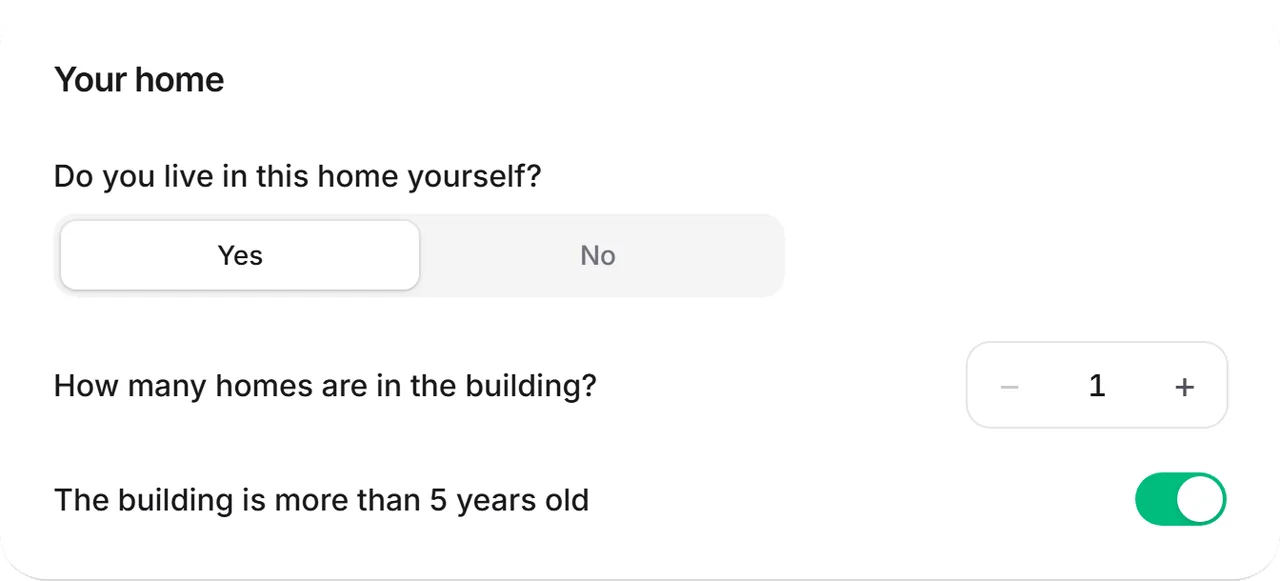
Tell us whether you live in the house yourself, how many flats it has and whether it is older than 5 years. This decides which bonuses can apply.
- 2
Your heating today
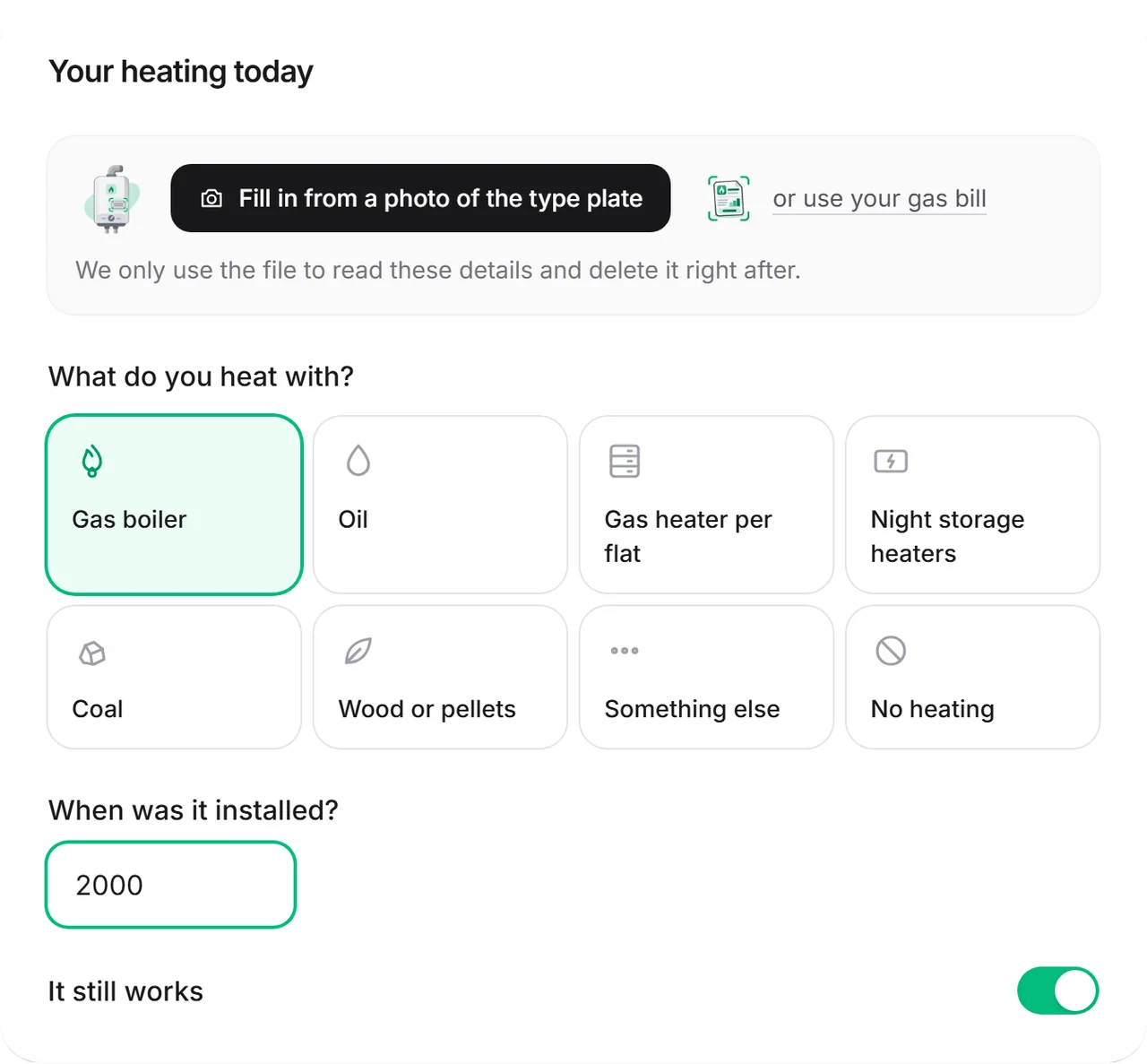
Choose how you heat today and when the heating was installed.
Tip: with “Fill in from a photo of the type plate” you photograph the plate on the boiler. We read the heating type and year and fill them in. Please check the values afterwards. We delete the photo right after reading it.
- 3
Your heat pump
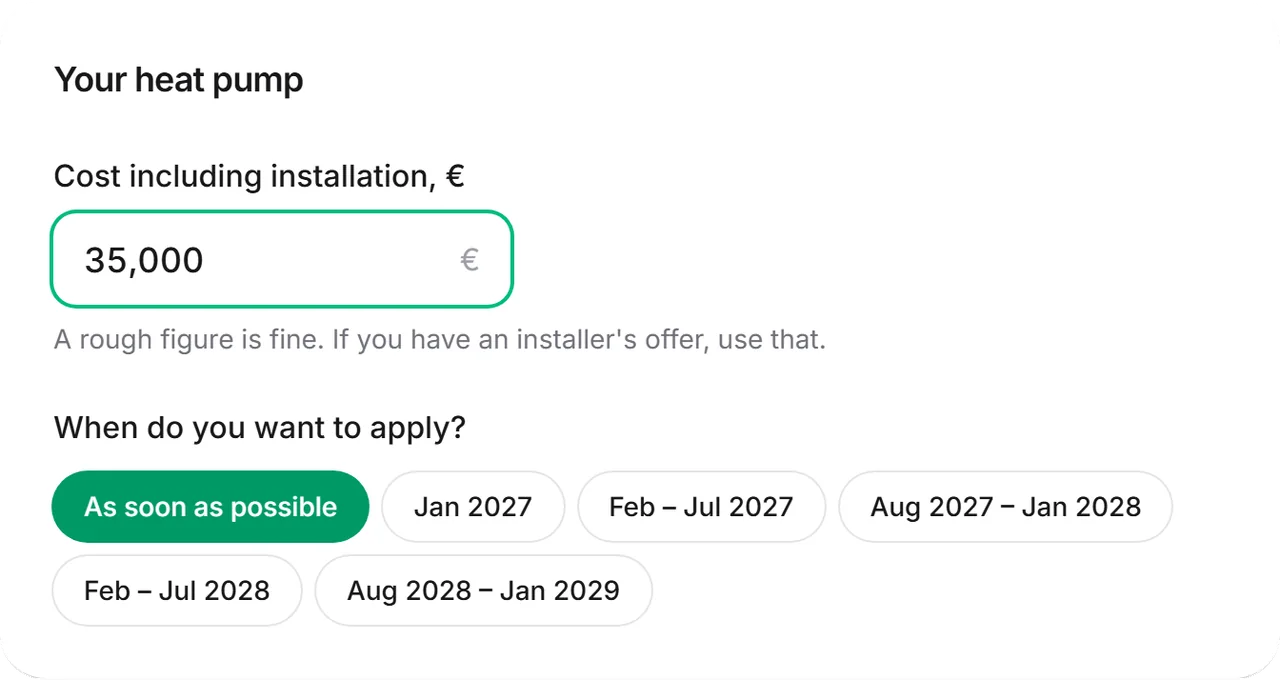
Enter the cost including installation. A rough figure is enough; if you have an offer, use its amount.
Also choose when you want to apply. The rules change at the turn of the year, so the date can change the subsidy.
- 4
Household (optional)
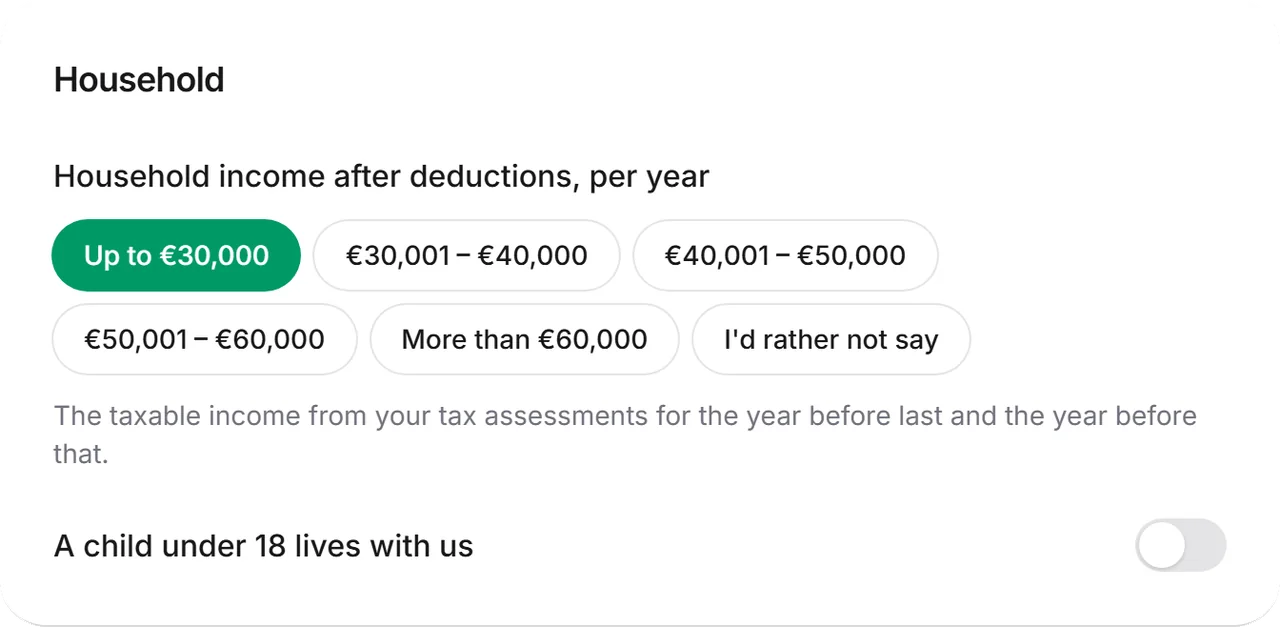
A lower household income adds a bonus. This means the taxable income from your tax assessments. If you prefer not to say, we calculate without this bonus.
- 5
Your result
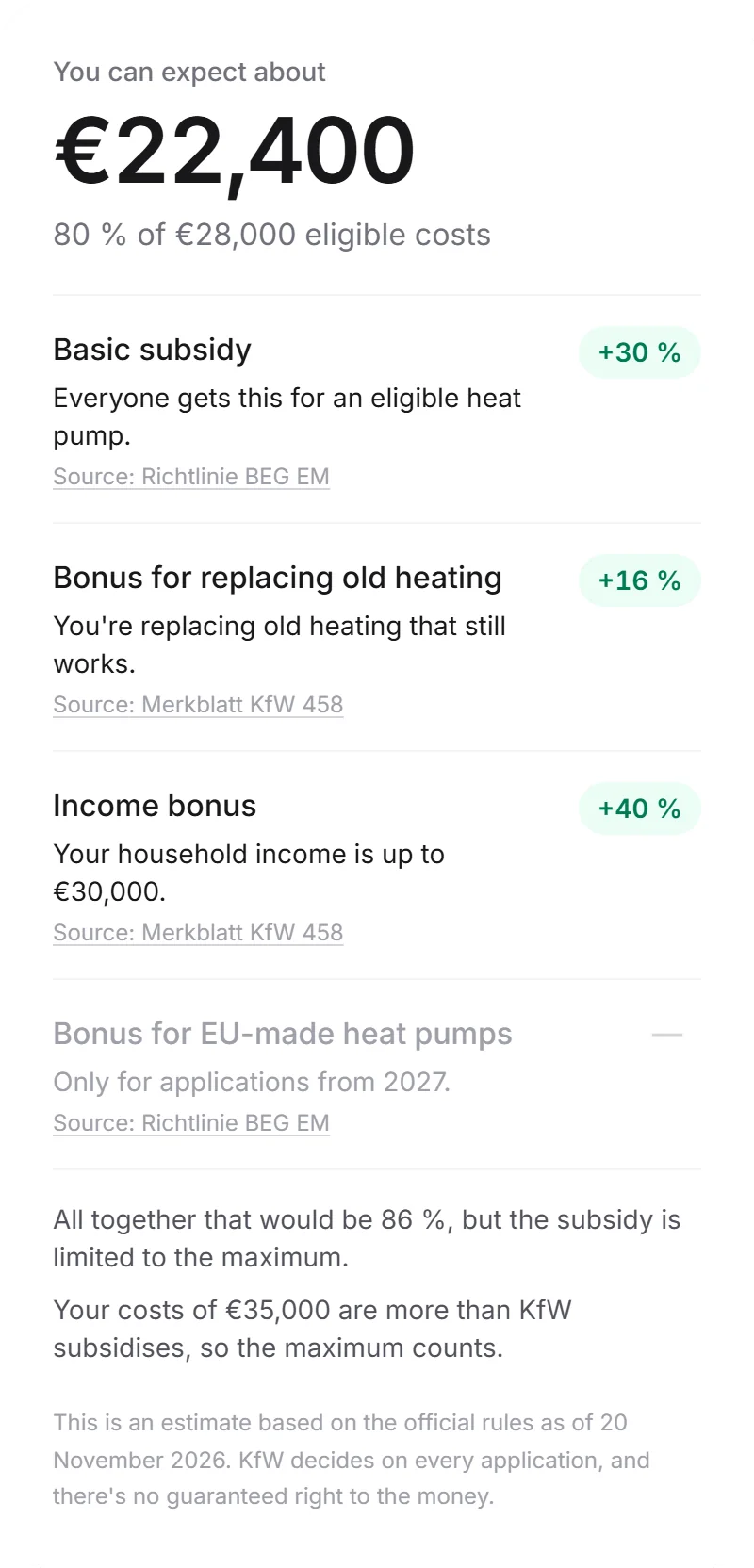
On the right (at the bottom on a phone) you see how much subsidy you can expect and what the amount is made of. Every part links to the official source.
The amount is an estimate based on the published rules. Only the KfW approval is binding.
- 6
Applying the right way
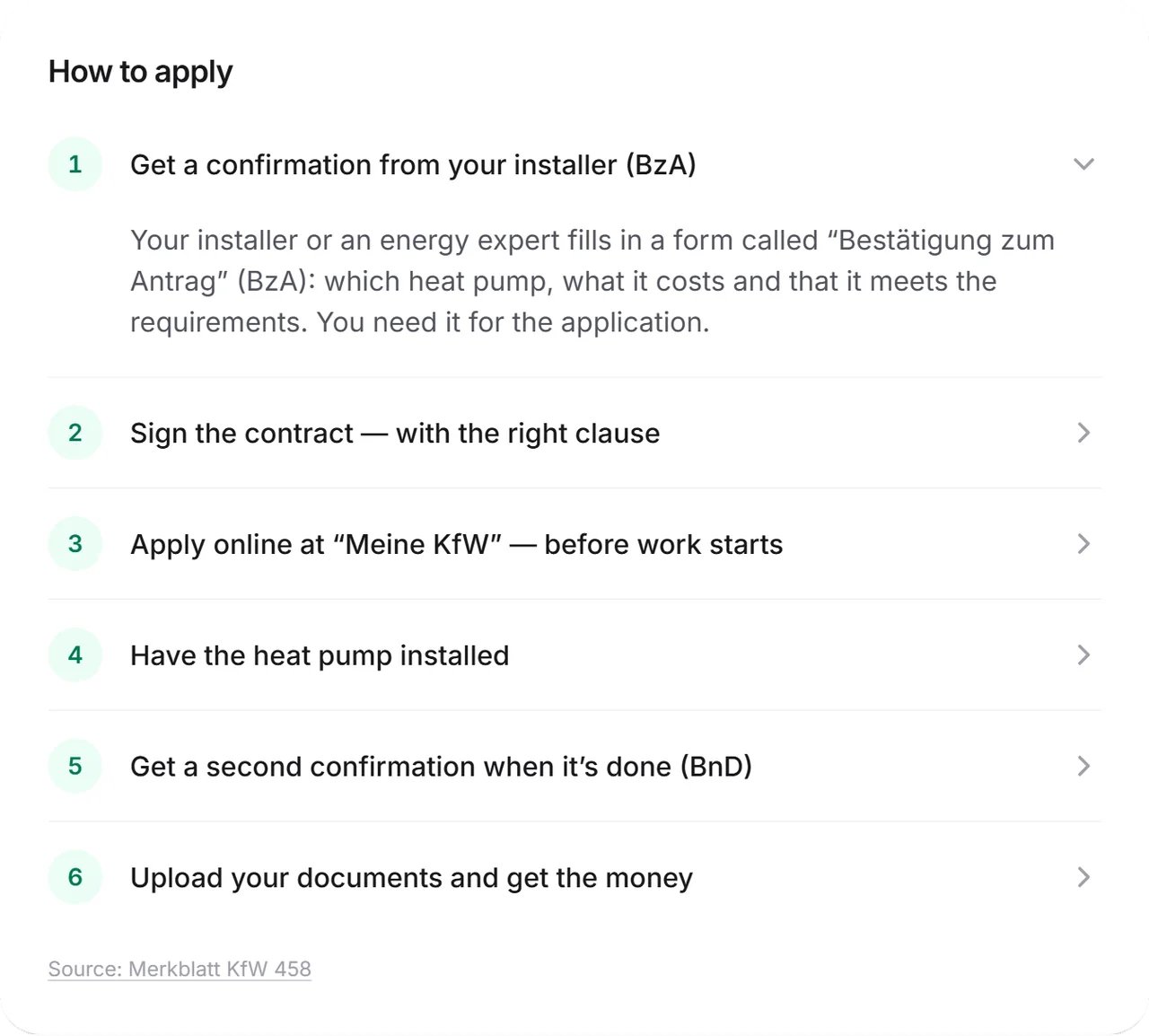
Below it you find, step by step, what to do in which order. Tap a step to see the details.
Most important: the contract with the installer needs a clause that it only takes effect once the subsidy is approved, and you must apply before the work starts. Otherwise there is no money.
- 7
Asking questions
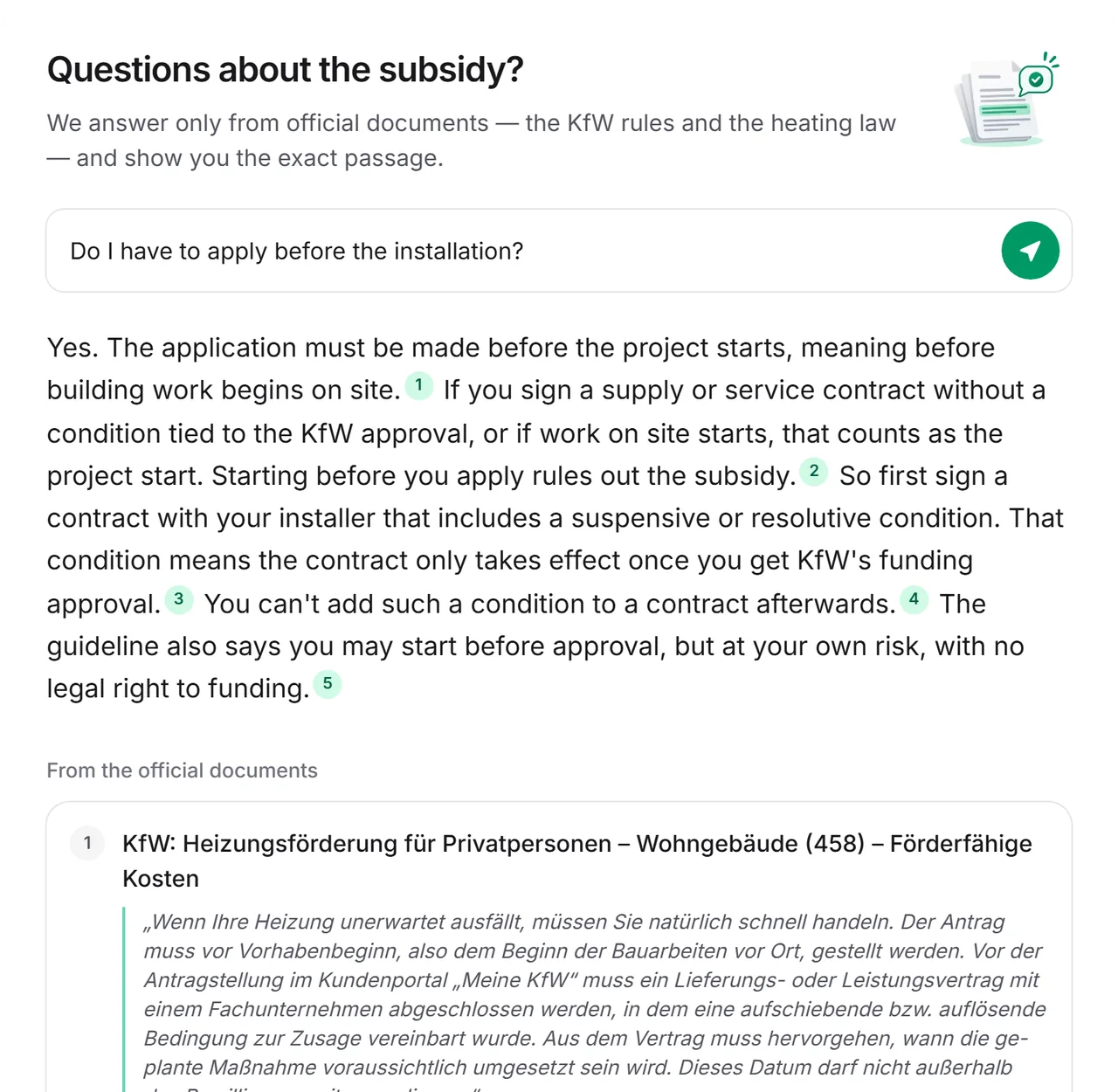
At the bottom you can ask a question in your own words. The answer comes only from the official KfW documents and the heating law; the small numbers lead to the exact passage.
If the documents do not answer it, we say so instead of guessing. Please do not put personal data in your question.
- 8
Sending your result to your installer
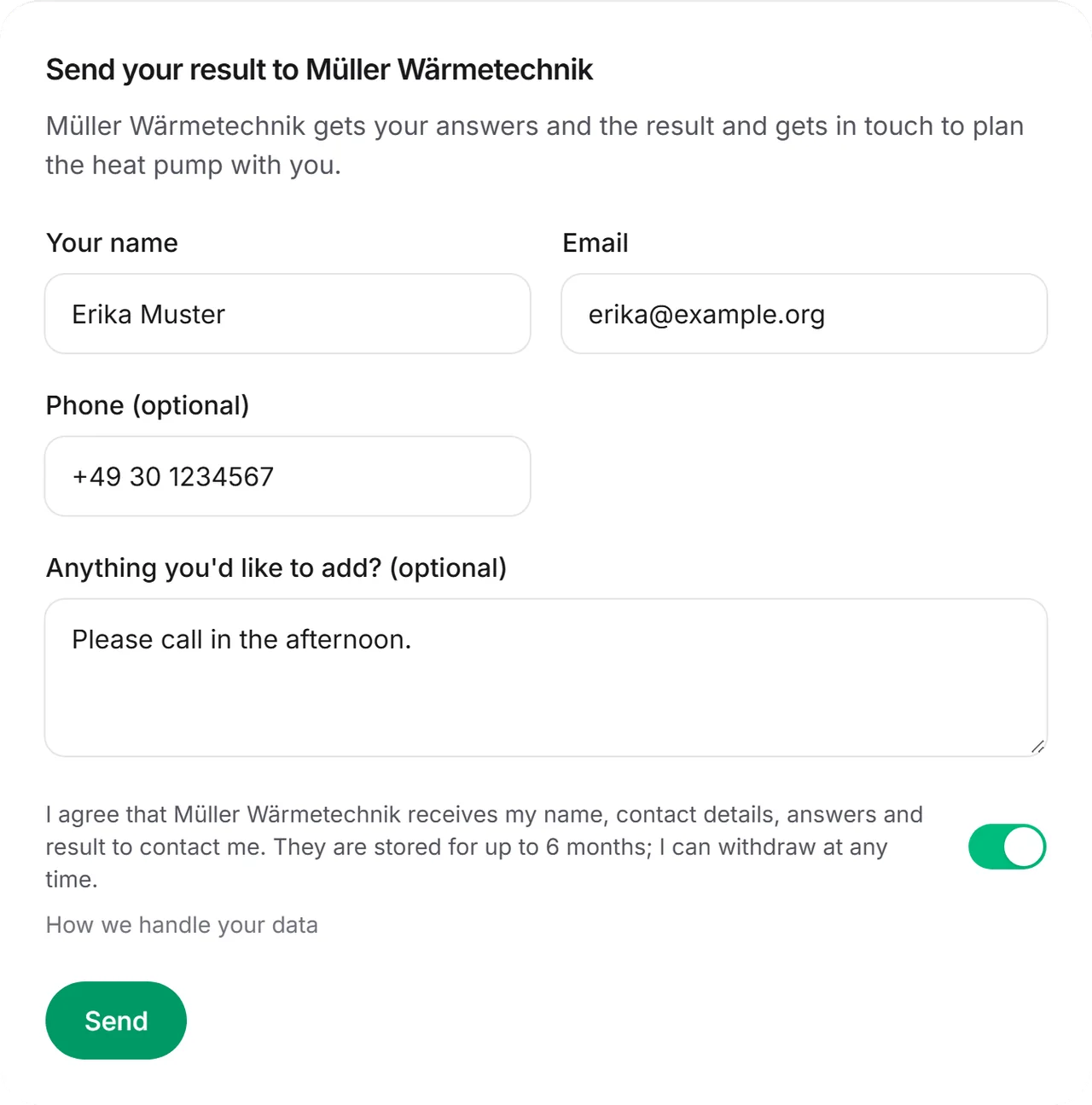
If you opened the check through an installer's link, you see their name at the top and this form below your result.
Only if you agree does the installer receive your name, contact details, answers and result, and get in touch with you.
Good to know
- Free and without an account. We do not store your answers in the calculator.
- Free test phase: questions and photo reading are limited per day. When the quota is used up, it works again the next day. The calculator itself always works.
- Switch the language at the top right; your answers stay.
- The subsidy check is an independent service, not run by KfW or BAFA.